
Blog OG image templates
Blog Open Graph templates give article titles a clean landscape card for Facebook, LinkedIn and WhatsApp. Each layout is built for a short headline, optional byline and site name on a 1200×630 canvas. Pick a template, open it in the free generator, and download a PNG or JPG — image data stays on your device. Use these when a post would otherwise fall back to a random crop from the article hero. Keep type inside the safe area so platform crops still read. Pair the export with absolute og:image tags and rescrape after you publish.
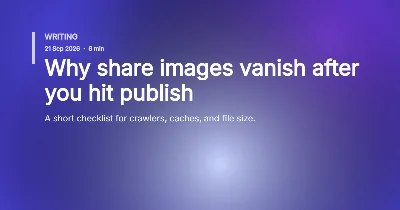
Rule & Headline

Author Byline
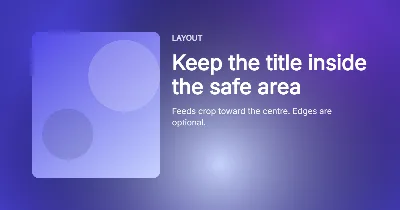
Column Split
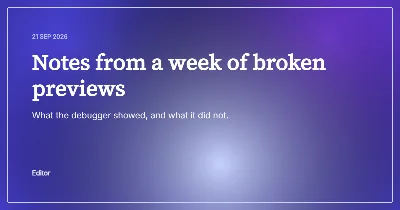
Folio Serif
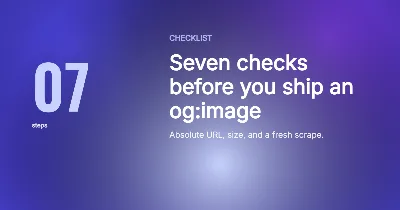
Big Number
Related pages
Frequently asked questions
Short answers about Blog templates.
Are these Blog templates free?
Yes. Open any thumbnail in the OG Image Generator, edit in your browser and download PNG or JPG. No account; generator image data stays on your device.
What size are the templates?
They default to a 1200×630 Open Graph canvas. You can switch presets in the generator for X (16:9), square or Pinterest when you need a different crop.
How do I use a template on my site?
Download the image, host it at a stable https URL, set og:image to that absolute URL, then rescrape Facebook, LinkedIn or your chat app after publish.